
Coming soon to iPhone
Every drive,
sorted.
Automatic mileage tracking for Canadian drivers. Log your trips, separate work from personal driving, and keep a clear record of your kilometres.
See how it works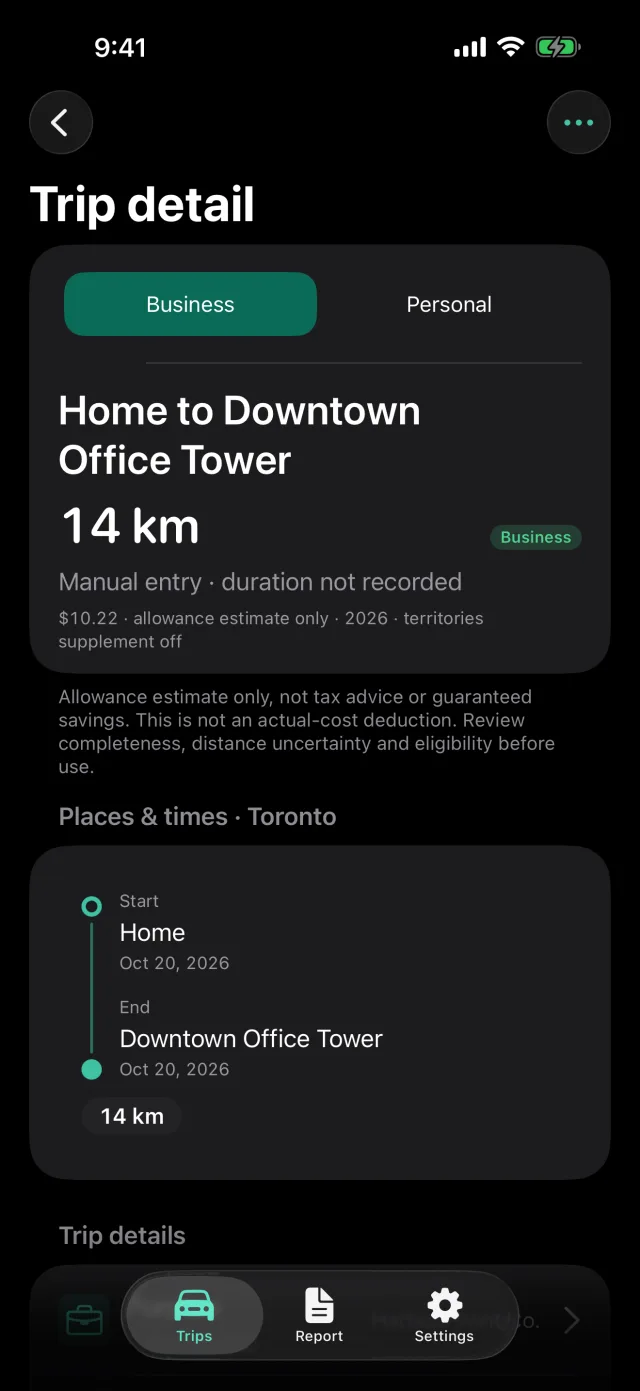
Mileage log
From drive to logbook.
Detect your drives
With location and motion permissions, MileSort can record drives in the background. You can also add a trip by hand.
Sort business and personal
Review trips, correct details, and add a purpose or client while the drive is still fresh in your mind.
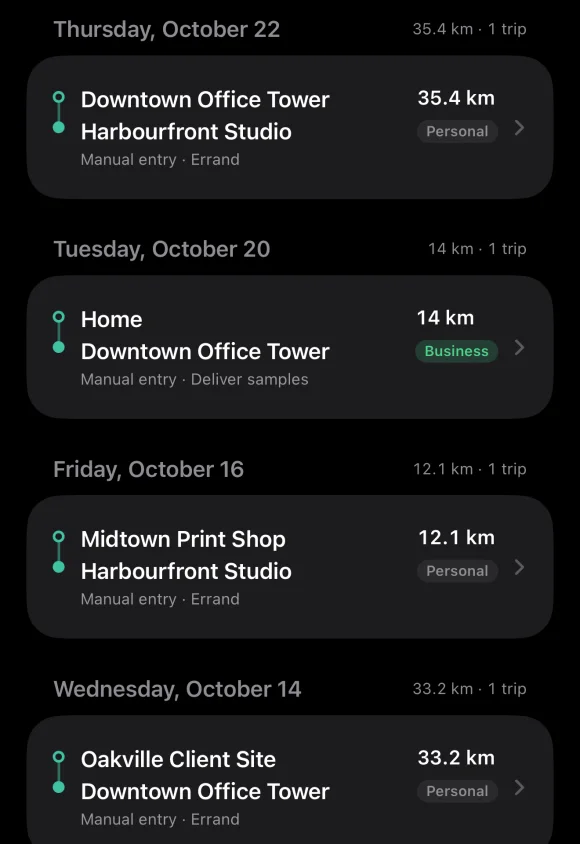
Keep a mileage log
See your totals in kilometres, record odometer readings, and export your log as CSV or PDF. Some exports require Pro.
Your log starts on your iPhone.
Your trips are saved on the device by default. Use MileSort without signing in, or turn on cloud backup with an account and MileSort Pro.
Read the privacy policyFrom the blog.
All postsComing soon to the App Store.
MileSort is in development. Visit the blog for updates and practical tips for keeping a mileage log.